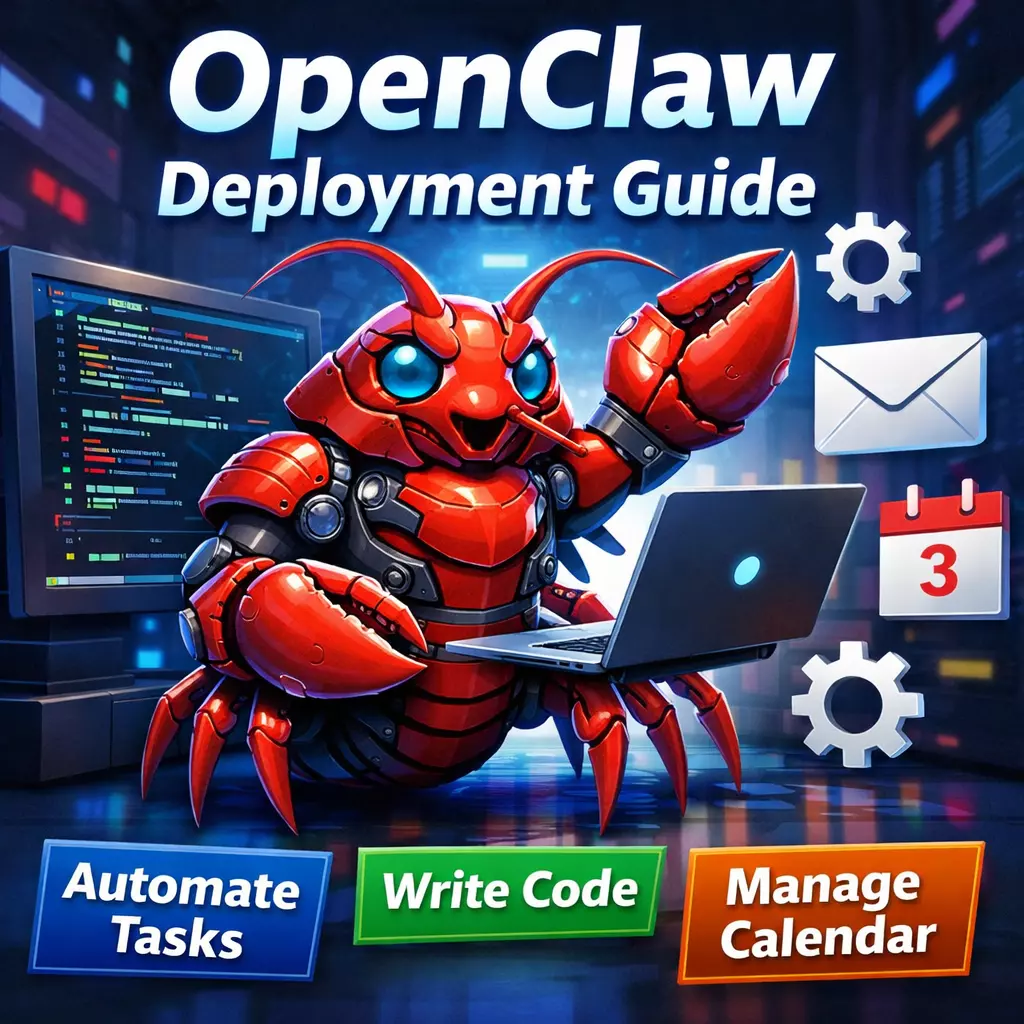
Deploying Your 24/7 AI Assistant from Scratch: A Complete Practical Guide to OpenClaw
BySarah Jenkins
The open-source project surpassed 150,000 stars in just two weeks. This AI assistant that can help you write code, reply to emails, and manage calendars has finally been deployed successfully after all my tinkering.
Before We Begin
Recently, the tech world has been flooded by a “little lobster” — OpenClaw (formerly Clawdbot/Moltbot). As one of the fastest-growing open-source projects in GitHub history, it is unlike ChatGPT, which mainly just “talks.” Instead, it is an AI Agent that can actually take action: browse the web, execute commands, manage files, and even help you write code.
To be honest, the official documentation is not very friendly for users in China, and I ran into quite a few pitfalls during deployment. This article records the complete deployment process from 0 to 1, along with the Chinese-optimized materials I compiled, in hopes of helping you avoid unnecessary detours.
📚 Companion materials: I have organized the command collection and configuration file templates needed during deployment on my personal notes site fuye365.github.io, including practical content such as domestic mirror acceleration and API configuration guides.
1. What Is OpenClaw? Why Is It Worth the Effort?
Simply put, OpenClaw is a high-privilege AI agent running on your own server. Unlike SaaS-based AI services, it offers:
Full data control: All operations are completed on your local or cloud server, so sensitive information does not leave the country.
24/7 availability: Once deployed, it can be awakened anytime through Telegram, Feishu, DingTalk, and other channels.
Real hands-on capability: It does not just give suggestions; it directly executes commands, operates browsers, and reads/writes files.
It is especially suitable for developers who need to automate repetitive work, such as regularly pulling data to generate reports, automatically replying to standardized inquiries, or remotely performing server maintenance.
2. Preparations Before Deployment
Based on official requirements and my personal practical experience, I recommend preparing the following setup:
Special reminder: Access to GitHub/npm from servers in China may be unstable. It is recommended to configure a proxy or use mirror sources in advance.
3. Practical Deployment: A Three-Step Strategy
Step 1: Initialize the Environment (5 minutes)
Install Git and the Node.js environment. Here is one pitfall to avoid: do not install Node.js directly with apt, as the version may be incompatible.
# Install NVM (users in China are advised to use the Gitee mirror)
curl -o- https://gitee.com/RubyMetric/nvm-cn/raw/main/install.sh | bash
source ~/.bashrc

# Install Node.js 22
nvm install 22
nvm use 22
node -v  # Confirm the output is v22.x.x
Step 2: Install OpenClaw (3 minutes)
The official one-click installation script is provided, but it may get interrupted under China’s network conditions. If you run into issues, you can refer to the offline installation solution I compiled at the resource site mentioned at the end of this article.
# Official one-click installation (when the network is smooth)
curl -fsSL https://openclaw.ai/install.sh | bash

# Or install via npm (more stable)
npm install -g openclaw@latest
After installation, the first run will show an ASCII-art lobster and an interactive setup wizard:
Make sure the server allows port 18789 (the default Gateway port):
sudo ufw allow 18789/tcp
# Or configure it in your cloud server security group
5. Special Tips for Deployment in China
Because of network environment differences, deployment in China requires a few “practical workarounds”:
Mirror acceleration: npm and Docker pulls often time out, so it is recommended to use domestic sources such as the Taobao NPM mirror and Alibaba Cloud Docker mirror.
Model selection: In my testing, Qwen2.5-coder performed very well on coding tasks, and Alibaba Cloud provides a generous free quota. Example configuration:
Mobile access: After deployment, integrating with Feishu or DingTalk allows you to remotely control your home or office computer from your phone, which is currently the most suitable usage pattern for users in China.
6. Common Issues and Troubleshooting
Symptom
Cause
Solution
Installation script hangs
Network is unavailable
Switch to npm installation, or refer to the offline package solution at the resource site
Gateway fails to start
Port is occupied
Modify the gateway port configuration in openclaw.json
AI does not respond
Invalid API Key
Check whether the quota has been exhausted, or whether baseUrl is configured incorrectly
Chinese text displays as garbled characters
Terminal encoding issue
Set LANG=en_US.UTF-8
7. Final Thoughts
OpenClaw represents a turning point where AI Agents move from being “toys” to becoming real “tools.” Although the deployment process is more complicated than ChatGPT, what you get in return is complete data ownership and unlimited customization capability.
If you run into issues during deployment that are not mentioned in the documentation, feel free to discuss them. I have compiled the configuration file templates, mirror acceleration URLs, and step-by-step screenshots for creating bots on each platform for convenient reference at any time.
After all, configure it once, and benefit for a long time. When your AI assistant starts automatically handling emails at 3 a.m., you will thank yourself for taking the time to tinker with it now.
Reference resources:
OpenClaw official documentation: docs.openclaw.ai
Alibaba Cloud deployment guide: Developer Community
Companion materials for this article: fuye365.github.io
About the author
Sarah Jenkins
Sarah Jenkins is a seasoned OpenClaw developer with a strong focus on optimizing high-performance computing solutions. Her work primarily involves crafting efficient parallel algorithms and enhancing GPU acceleration for complex scientific simulations. Jenkins is renowned for her meticulous attention to detail and her ability to translate intricate theoretical concepts into practical, robust OpenClaw implementations.